Software Comparisons
Restaurant Inventory Management Software: 12 Tools Compared (2026)
Twelve restaurant inventory tools side-by-side. Real pricing from free tiers to $400/mo, contract terms, setup fees, and what each one actually does.
Most "best inventory software" lists are written by inventory software companies. They rank themselves first and bury the pricing. This one covers 12 tools with real prices, contract terms, and honest trade-offs.
The pricing nobody wants to show you
| Tool | Monthly Cost | Setup Fee | Contract | Best For |
|---|---|---|---|---|
| MarketMan | $199-339/location | $500 | 12-month + 60-day cancellation | Multi-vendor ordering |
| xtraCHEF (Toast) | $0-69+/mo | None | Toast POS required (2-year) | Toast restaurants |
| MarginEdge | ~$300+/location | $250 | Varies | Invoice processing & AP |
| Restaurant365 | $400+/location | Yes | Annual | Multi-unit chains (5+) |
| Crunchtime | Custom (thousands/mo) | Yes | Annual | Large chains (10+) |
| WISK | $149-595/location | None | Month-to-month | Bars & liquor tracking |
| Craftable | Custom pricing | Varies | Varies | High-volume bar programs |
| Lightspeed | $109-189/mo | None | Varies | Lightspeed POS restaurants |
| TouchBistro | $69-165/mo | None | Annual | Small restaurants wanting POS + inventory |
| Yellow Dog | ~$99/mo | None | Varies | Mid-market inventory counting |
| Meez | $0-19+/mo | None | Month-to-month | Recipe documentation |
| DishCost | $39/mo | None | Cancel anytime | Recipe costing & food cost tracking |
Pricing comes from vendor sites, Capterra, and G2 reviews as of early 2026. Verify directly before buying.
Tool-by-tool breakdown
MarketMan — Best for multi-vendor ordering
The biggest name in the category. MarketMan handles purchasing, receiving, inventory counts, recipe costing, vendor management, and invoice processing. It connects to most major POS systems and has a supplier marketplace.
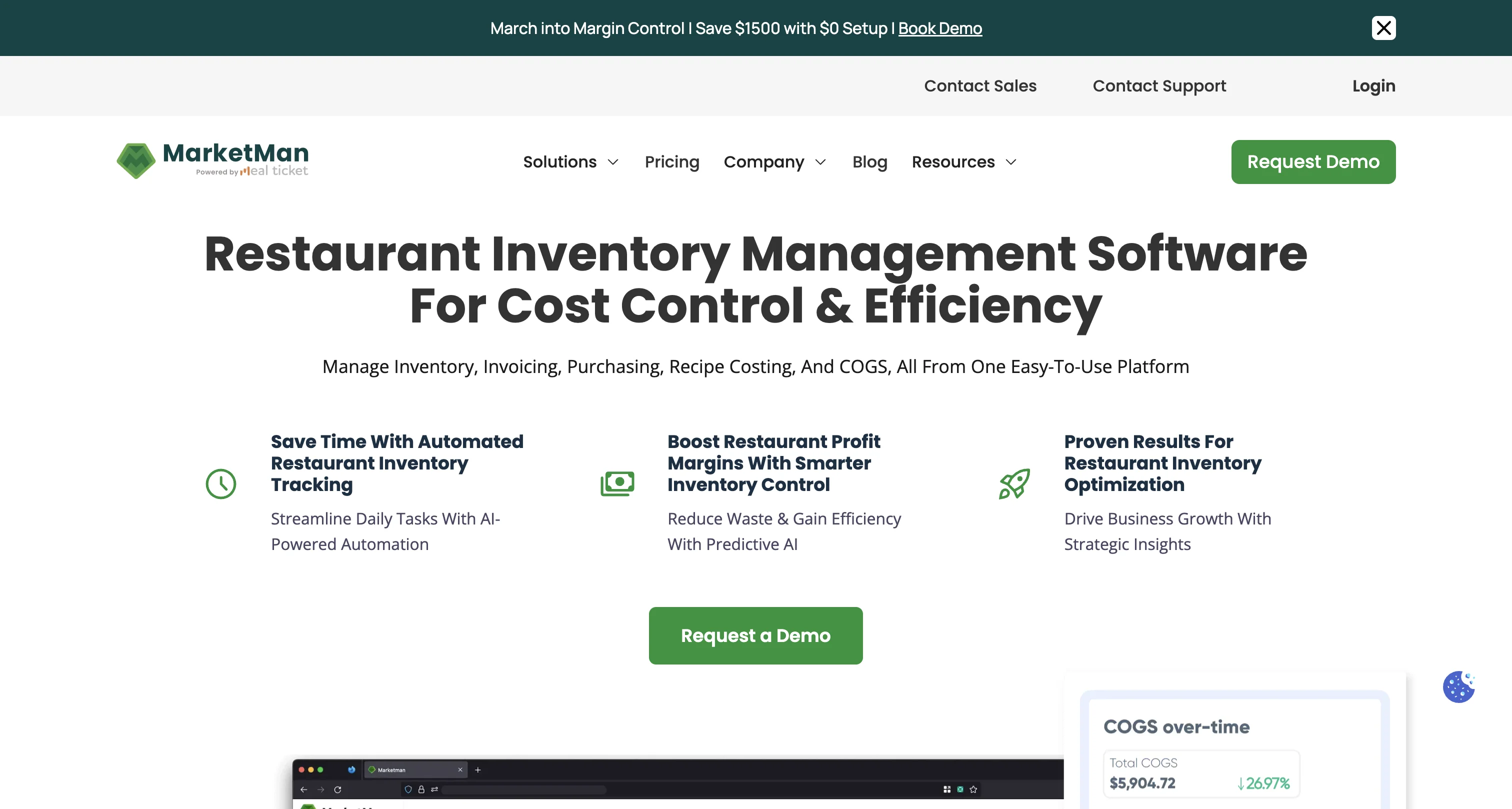
What it does well: If you have 8 vendors, 150 ingredients, and want automated purchase orders when stock runs low, MarketMan can do that. Invoice OCR scans invoices and pulls prices automatically. Real-time stock tracking across locations.
The catch: The Starter plan is $199/mo per location with a $500 setup fee ($169/mo if you pay annually). Setup takes 2-4 weeks. You're locked into a 12-month contract with a 60-day cancellation notice. Trustpilot reviews from restaurant owners describe the cancellation process as painful. One owner reported being billed $3,800 for a full year after giving 30-day instead of 60-day notice.
Best for: Multi-location restaurants or single locations with high ingredient volume and multiple suppliers where automated ordering actually saves enough time to justify the cost. For a detailed pricing breakdown, see our MarketMan pricing breakdown.
xtraCHEF (by Toast) — Best for Toast restaurants
Toast bought xtraCHEF in 2022. It handles invoice processing, recipe costing, inventory variance tracking, and food cost reporting. The biggest draw is how tightly it integrates with Toast POS, syncing sales data directly to your food cost numbers.
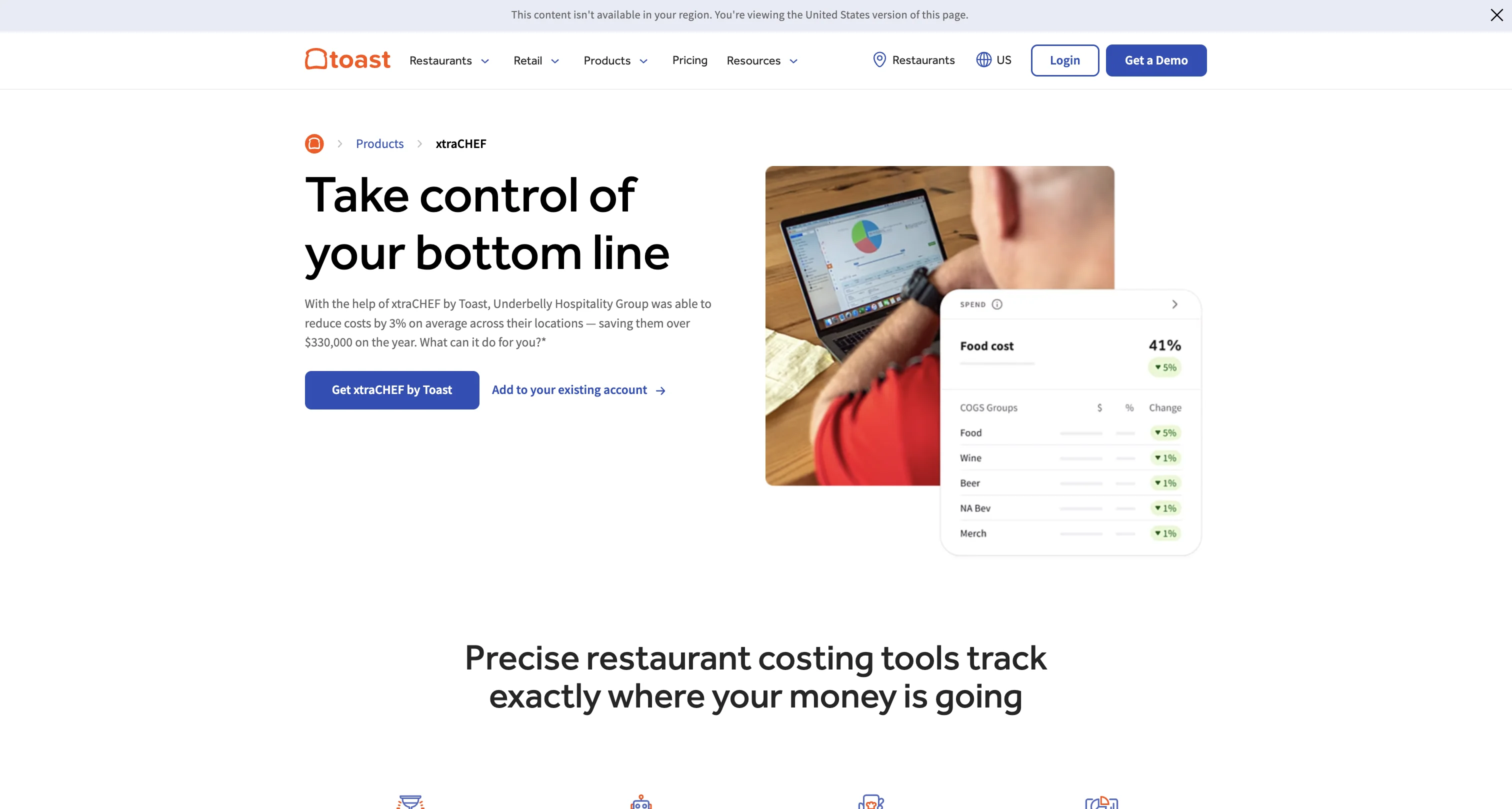
What it does well: Invoice OCR is solid. Theoretical vs. actual food cost comparison is useful: it shows you the gap between what your recipes should cost and what you're actually spending. If you're already on Toast, the data flows naturally.
The catch: You need Toast POS. That means Toast hardware, a Toast subscription, and a 2-year commitment to their ecosystem. If you switch POS systems, you lose xtraCHEF. As a standalone food cost tool, it doesn't exist.
Best for: Restaurants already committed to Toast that want invoice scanning and food cost tracking built into their POS ecosystem.
MarginEdge — Best for invoice processing & AP
MarginEdge is more of an accounts payable tool that happens to include inventory features. You photograph invoices, they process them, and the data feeds into food cost reports and accounting integrations (QuickBooks, Xero, Sage).
What it does well: Invoice processing is their core strength. If you're spending hours per week on AP and data entry, MarginEdge attacks that directly. The accounting integrations are tighter than most competitors.
The catch: Setup is $250 plus monthly per-location fees. Capterra reviewers note it "takes several months to really get the data in" and "the conversions are very time consuming." It's AP-first, inventory-second. If you mostly need recipe costing, you're paying for a lot of features you won't use.
Best for: Restaurants that need AP automation and accounting integration more than they need recipe costing or inventory counting.
Restaurant365 — Best for multi-unit chains
R365 is an enterprise platform that combines inventory, accounting, scheduling, and reporting. It's what multi-unit chains with a finance team use.
What it does well: Everything in one system. Theoretical vs. actual food cost, multi-unit dashboards, labor scheduling tied to revenue forecasting. If you run 10 locations and need a single source of truth, R365 is built for that.
The catch: Starting at $400+/mo per location. Annual contracts. It's complex to set up and complex to use. One of the steepest learning curves in the category. This is not software a chef-owner sets up on a Tuesday afternoon.
Best for: Restaurant groups with 5+ locations, a finance team, and budget for enterprise software.
Crunchtime — Best for large chains
Crunchtime targets large restaurant groups and franchises. It covers inventory, food cost, labor, food safety, and operations management across dozens or hundreds of locations. Think Wendy's, Five Guys, Shake Shack — those are Crunchtime customers.
What it does well: Reporting across hundreds of locations. You get theoretical vs. actual food cost, waste tracking, food safety checklists, and labor scheduling — the kind of centralized view a franchise ops team actually needs. If you run 50 locations and need one dashboard for all of them, Crunchtime is built for that.
The catch: Pricing is custom and typically runs thousands per month. Implementation takes weeks to months with a dedicated onboarding team. You don't sign up on a website — you go through a sales process and negotiate a contract.
Best for: Chains with 10+ locations and an ops team that needs centralized control over food cost, labor, and compliance. If you run fewer than 5 locations, you're paying enterprise prices for features you won't touch.
WISK — Best for bars & liquor tracking
WISK specializes in beverage inventory. Their database has 150,000+ bottles pre-loaded, so you scan a barcode and the product is already there. It handles food inventory too, but beverage is the strength.
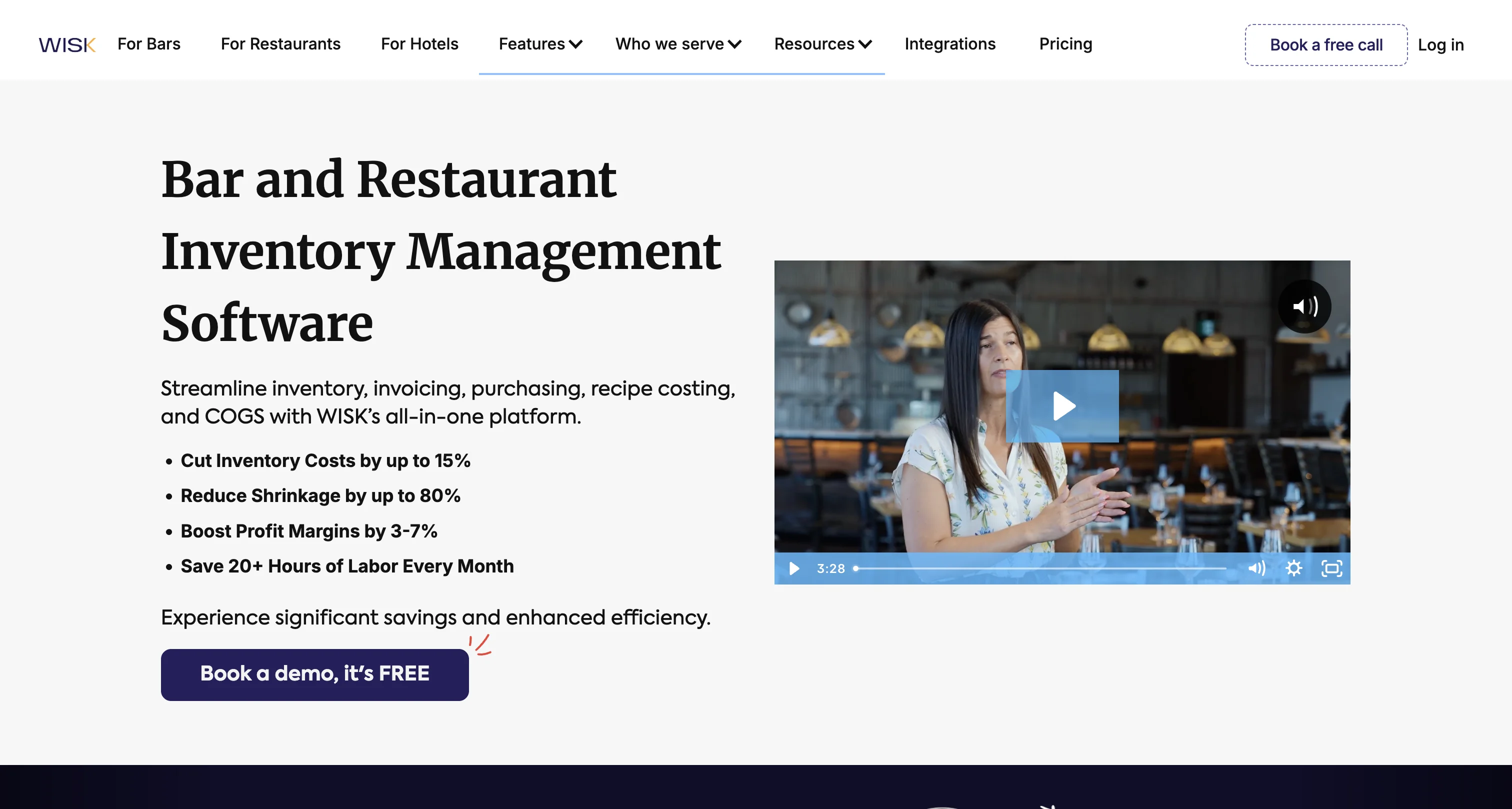
What it does well: Bar inventory is fast and accurate. Scan bottles, count, and WISK calculates variance against POS sales to show where you're losing product. Integrates with 40+ POS systems. Month-to-month billing, no contracts.
The catch: Starts around $149/mo per location and goes up to $595/mo for premium plans. It's better at beverages than food. If your main concern is food cost on menu items and you run a light bar program, you're paying for a beverage tool you don't need.
Best for: Bar-heavy restaurants, cocktail bars, and operations where beverage cost control is the primary concern.
Craftable — Best for high-volume bar programs
Craftable (formerly Bevager/Food) is built for bars and restaurants with serious beverage programs. It handles liquor, wine, and beer inventory with tools for variance tracking, ordering, and recipe costing for cocktails.
What it does well: Deep beverage management. If you're running a cocktail program with 50+ spirits and need to track pours against POS sales, Craftable goes deeper than most general inventory tools. The food side works too, but the bar side is where it earns its price.
The catch: Custom pricing, which usually means you're paying more than the sticker price on simpler tools. The setup process varies — some users report smooth onboarding, others say it took longer than expected to get all their products loaded.
Best for: High-volume bars, hotel F&B operations, and restaurant groups doing 30%+ of revenue in beverage sales.
Lightspeed — Best for Lightspeed POS restaurants
Lightspeed is primarily a POS system, but their restaurant product includes built-in inventory management. You get ingredient-level tracking, recipe costing, low-stock alerts, and purchase order creation — all within the same system running your front of house.
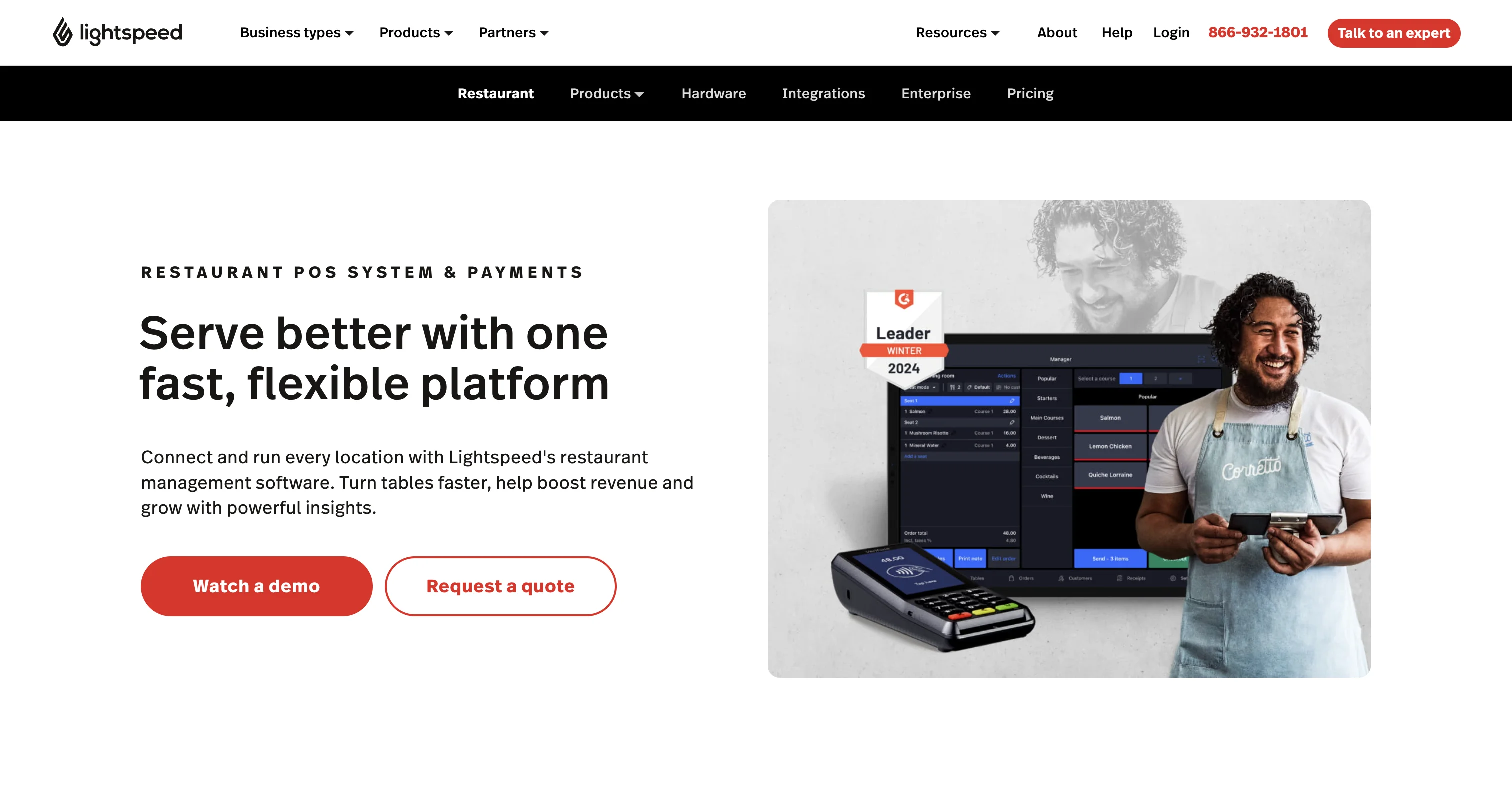
What it does well: If you're already on Lightspeed for your POS, the inventory features are right there. No third-party integration needed. Menu engineering reports show you which items are profitable and popular. The ingredient tracking ties directly to POS sales, so you get theoretical vs. actual usage without stitching two systems together.
The catch: Plans run $109-189/mo depending on features. You need to be on Lightspeed POS — this isn't a standalone inventory tool. The inventory features are solid but not as deep as dedicated tools like MarketMan. If you need advanced purchasing workflows or multi-vendor management, you may outgrow what Lightspeed offers.
Best for: Restaurants already using Lightspeed POS (or shopping for a POS) that want inventory built into their existing system rather than bolting on a separate tool.
TouchBistro — Best affordable POS + inventory combo
TouchBistro is an iPad-based POS with optional add-ons for inventory, reservations, online ordering, and loyalty. The inventory module covers ingredient tracking, recipe costing, waste logging, and low-stock alerts.
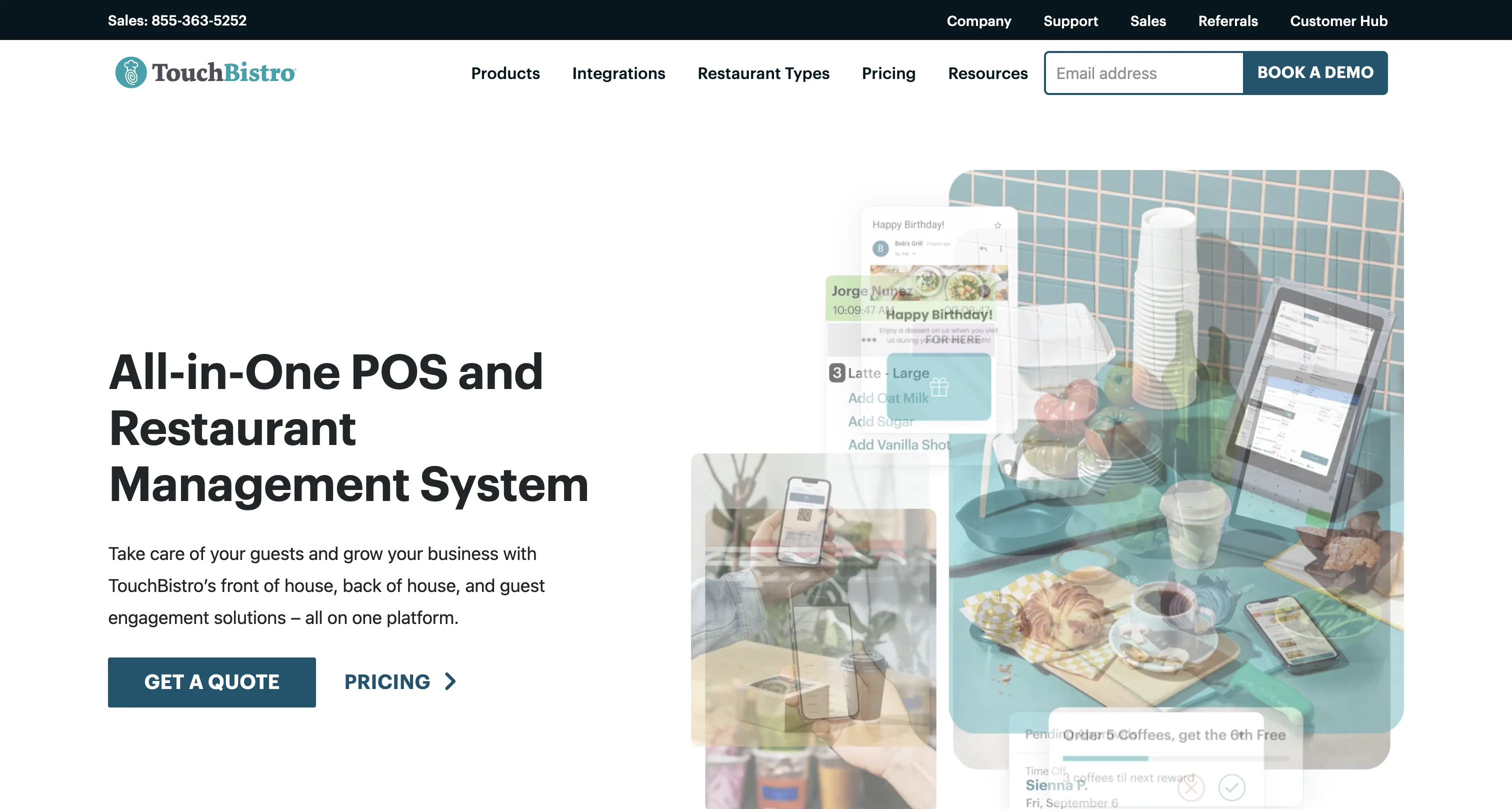
What it does well: The base POS starts at $69/mo, and the inventory add-on brings the total to roughly $109-165/mo depending on which modules you bundle. That's cheaper than most dedicated inventory tools alone. For a single-location restaurant that wants POS and basic inventory in one system, it's one of the cheaper packages available. The iPad interface is straightforward — staff can do inventory counts on a tablet.
The catch: The inventory module is an add-on, not included in the base price. Annual contract required. The inventory features are more basic than dedicated tools — fine for tracking ingredients and flagging low stock, but not built for complex multi-vendor purchasing or deep variance analysis.
Best for: Small, single-location restaurants looking for POS + inventory in one affordable package. If you don't need the depth of MarketMan or the AP automation of MarginEdge, TouchBistro covers the basics.
Yellow Dog — Best mid-market inventory counting
Yellow Dog focuses on the physical counting side of inventory. It's built around making inventory counts faster and more accurate — barcode scanning, shelf-to-sheet counting, and integration with your POS and accounting system.
What it does well: Yellow Dog is all about the counting workflow. If your team spends two hours doing weekly inventory counts with clipboards, Yellow Dog's mobile scanning and pre-built count sheets can cut that to 30-40 minutes. It integrates with major POS systems (Toast, Aloha, Micros) and pushes data to accounting software.
The catch: Pricing hovers around $99/mo — more affordable than the enterprise tools but still a meaningful expense for a single location. The feature set is narrower than MarketMan or R365. It's focused on counting and tracking, not purchasing automation or invoice processing.
Best for: Restaurants that do regular physical inventory counts and want to make that process faster and more accurate. Good fit if your main pain point is the counting process itself, not purchasing or AP.
Meez — Best for recipe documentation
Meez is different from the others on this list. It's a recipe management and documentation tool. You build recipes with ingredients, procedures, photos, and allergen info. It calculates food cost per recipe and scales portions.
What it does well: Recipe documentation is excellent. Copy-pasting recipes from Word or Excel into Meez is easy. The free tier gives you access to basic recipe building. It's one of the few tools in the category that a single-location restaurant can actually afford.
The catch: Inventory tracking and invoice processing are limited compared to MarketMan or MarginEdge. Some users report the analytics and inventory features are weaker than the recipe documentation side. Paid plans can add up depending on features.
Best for: Kitchens that need recipe documentation and standardization. Catering operations and multi-concept restaurants where recipe sharing matters.
Picking the right tool
Most of these tools are built for different problems. Here's how to match the tool to your situation.
You run a bar or bar-heavy restaurant. Look at WISK or Craftable. Beverage variance tracking pays for itself if you're losing even 2-3% of pour volume.
You have 5+ locations. Restaurant365 or MarketMan. The cost makes sense when you're managing purchasing, AP, and food cost across multiple kitchens.
You have 10+ locations or run a franchise. Crunchtime. It's enterprise pricing for enterprise operations.
Already on Toast. xtraCHEF is in your ecosystem. Turn it on.
Already on Lightspeed. Their built-in inventory covers the basics without adding another vendor.
You want POS + inventory in one affordable package. TouchBistro. It's not the deepest on either side, but the price is right for a single location.
AP is the bottleneck. MarginEdge. The invoice processing is strong and the accounting integrations save real time.
Your main pain is slow inventory counts. Yellow Dog. It makes the physical counting process significantly faster.
Need recipe documentation. Meez. The best option for building and sharing standardized recipes.
You just need to know your food cost. That's recipe costing, not inventory management — different problem, simpler tool. DishCost does this for $39/mo. Enter ingredients (or upload a CSV if you have a lot), build recipes, see your food cost percentage. When prices change, every recipe recalculates. No setup fee, no contracts, cancel anytime.
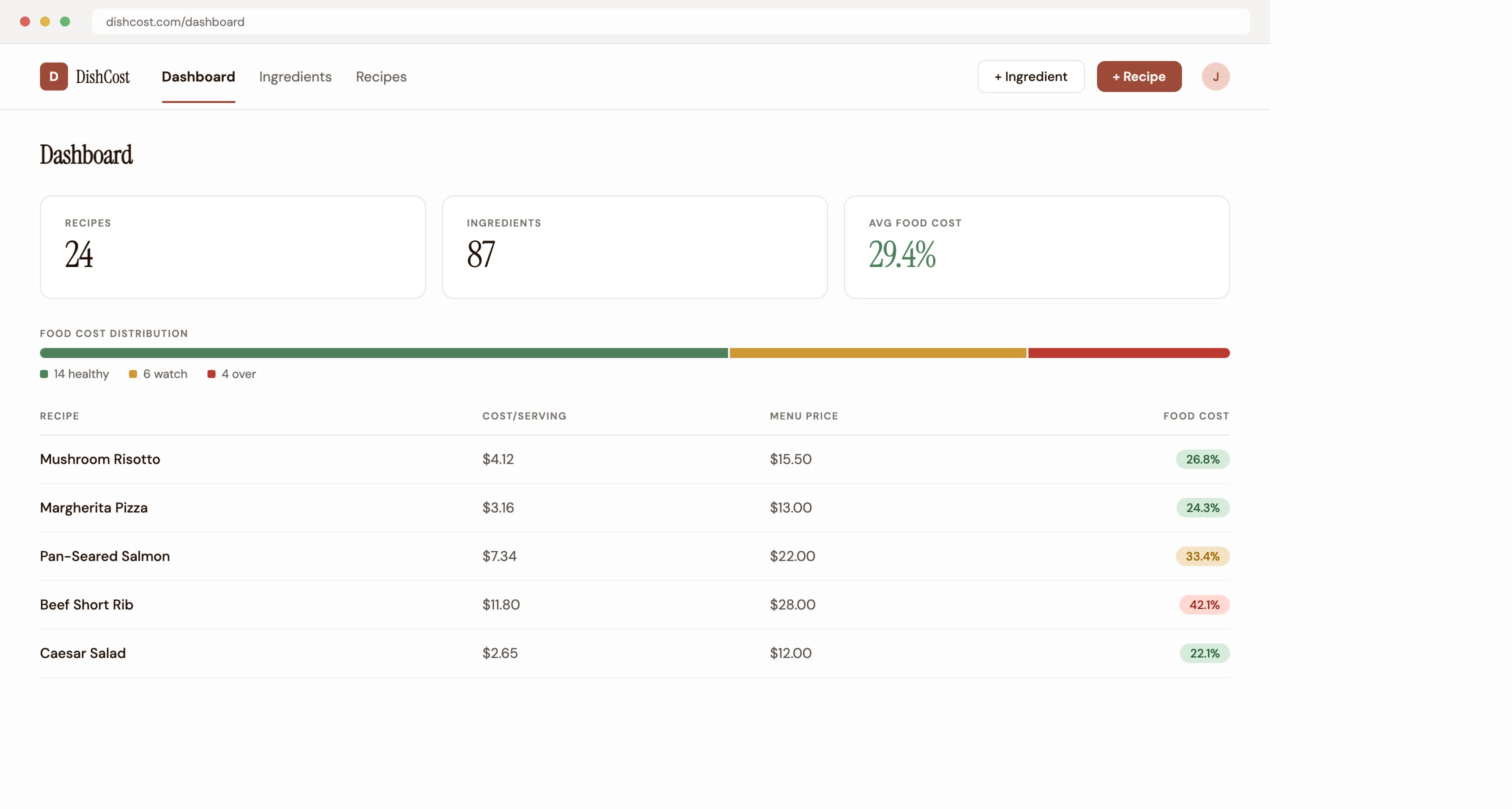
Start with the free food cost calculator to see what your dishes actually cost, or the COGS calculator to check your cost of goods sold — no account needed. Or if you're comparing recipe costing tools specifically, our guide on what to look for in recipe costing software breaks it down.